
Fast Connect didn't work?
Fast Connect is the quickest way to link your exchange to Altrady, but sometimes it stops you with an error instead of finishing the job. Don’t worry, both known errors are easy to fix. Here’s what each one means and exactly what to do.
Before anything else: Altrady only ever asks your exchange for read and trade permissions. Altrady can never withdraw your funds, no matter which connection method you use.
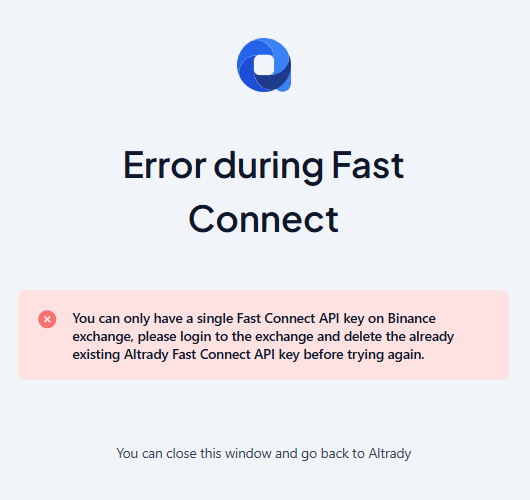
Error 1: “This API key already exists”
 🔍 Click the image to see a larger version
What it means: most exchanges only allow ONE Fast Connect (Altrady) API key per account. If you already created one before, whether from a past attempt or an earlier connection, the exchange refuses to create a second one and shows this error.
How to fix it:
- Log into your exchange’s website directly.
- Find your API key management page.
- Locate the old Fast Connect or Altrady key and delete it.
- Go back to Altrady and try Fast Connect again.
If you’d rather not delete anything on the exchange, you can also connect using the manual connection method instead. Every exchange has its own step-by-step guide for this under Connecting Your Exchange.
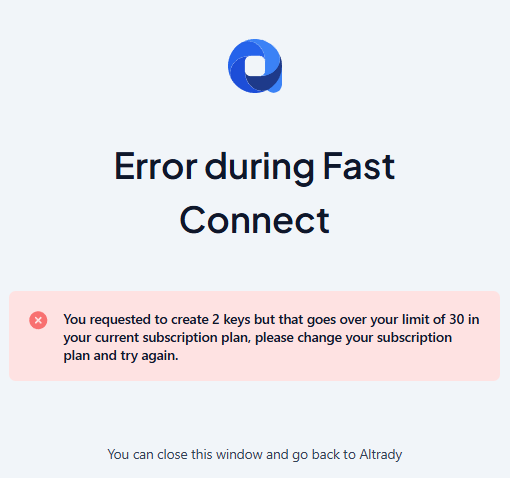
Error 2: “This would exceed your plan’s account limit”
 🔍 Click the image to see a larger version
What it means: Fast Connect creates new trading accounts in Altrady. Your Altrady plan has a limit on how many trading accounts you can have, and adding the new one(s) would go over that limit.
How to fix it: you have two options:
- Remove a trading account you’re no longer using, then try Fast Connect again.
- Upgrade your Altrady plan to raise your account limit. See Choose Your Plan for the available options.
A quick note on what Fast Connect does
Fast Connect is built to create new trading accounts only. It can’t be used to refresh or update the key on an account you already have connected. If your goal is to replace an expired or rotated key on an existing account, follow the steps in Replace an API Key instead.