
Choose your plan
Choosing the right plan
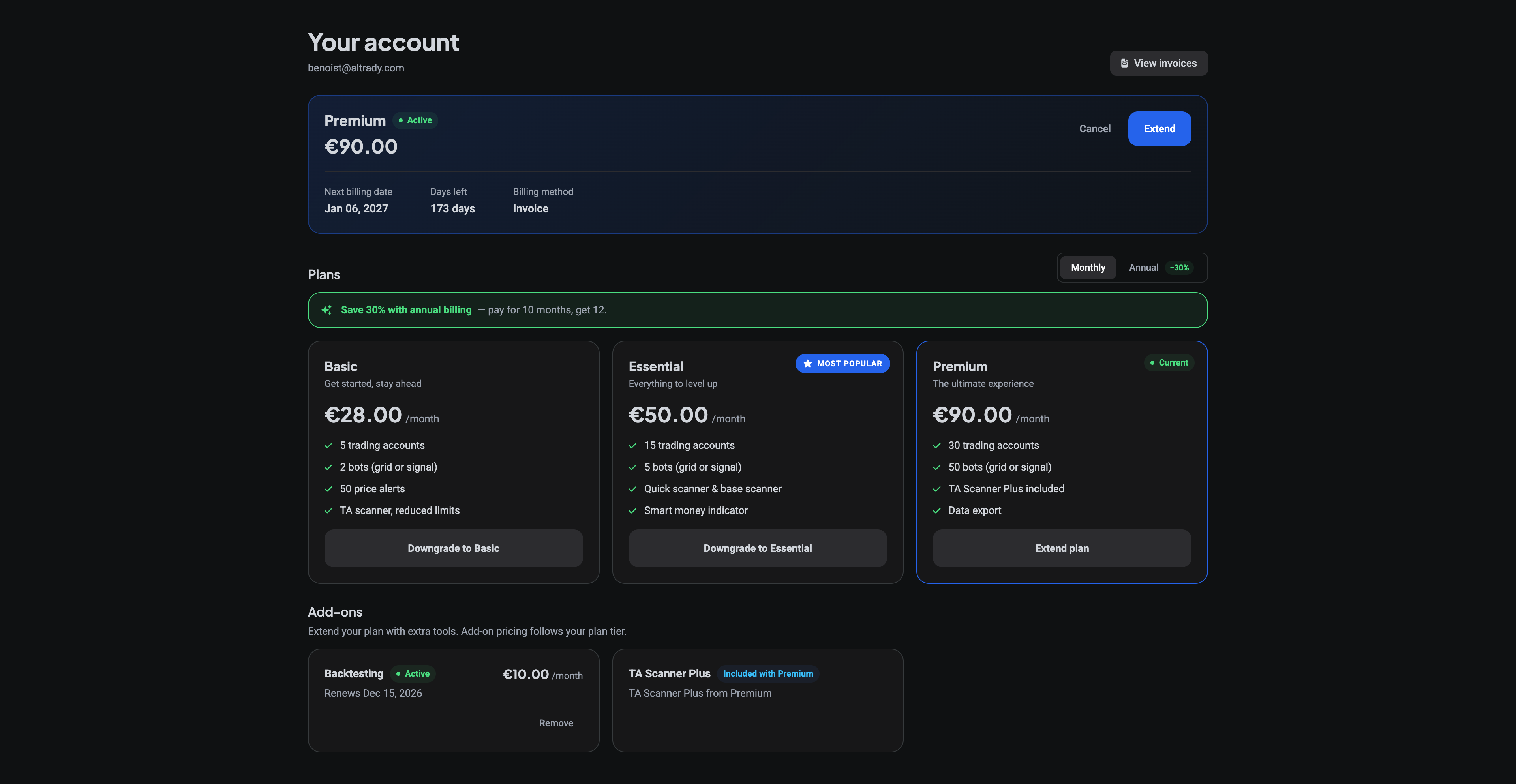
Altrady has three paid plans: BASIC, ESSENTIAL, and PREMIUM, plus a FREE plan for exploring. Every paid plan includes the core Altrady experience: smart trading with automatic take profit and stop loss, spot and futures trading, a multi-exchange portfolio overview, multi-charts, and live chat and email support.
The differences come down to limits: how many exchange accounts you can connect, how many bots you can run, and which scanner tools you get. The easiest way to pick a plan is to start from how you trade.
Not sure yet? Every new account starts with a 5-day free trial (no credit card needed) so you can try the full platform before picking a plan.
“I just want to look around” - FREE
The FREE plan lets you explore Altrady and practice with paper trading, simulated trading with no real money at risk. It is a great way to learn the platform before committing to anything.
“I trade casually” - BASIC
BASIC adds real trading power for casual traders:
- Connect up to 5 trading accounts
- Run up to 2 bots (grid or signal)
- Set up to 50 price alerts
- TA Scanner with reduced limits, to spot opportunities
BASIC is the sweet spot if you mainly want live portfolio tracking and the occasional trade.
“I trade actively across exchanges” - ESSENTIAL
ESSENTIAL is the most popular plan, with headroom for regular manual trading plus a few bots on the side:
- Up to 15 trading accounts
- Up to 5 bots (grid or signal)
- Higher alert limits than BASIC
- Quick scanner and Base scanner included
- Smart money indicator
“I run bots seriously” - PREMIUM
PREMIUM is the top tier, built for automation-heavy traders:
- Up to 30 trading accounts
- Up to 50 bots
- Up to 1,000 price alerts and 200 trend line alerts
- TA Scanner Plus included at no extra cost: unlimited scanner strategies, all indicators, multi-timeframe scanning
- Data export
For the full, up-to-date feature comparison and current prices, see altrady.com/pricing. Annual billing saves 30%, you pay for 10 months and get 12.
Add-ons
Optional add-ons can be layered on top of any paid plan and added or removed at any time. Add-on pricing follows your plan tier.
- TA Scanner Plus - unlocks the full scanner (already included with PREMIUM).
- Backtesting Pro - removes the limits of the free backtesting tier (which allows 2 backtests per month with 7 days of historical data), giving you unlimited backtests and full historical data.
 🔍 Click the image to see a larger version
## Changing your plan
🔍 Click the image to see a larger version
## Changing your plan
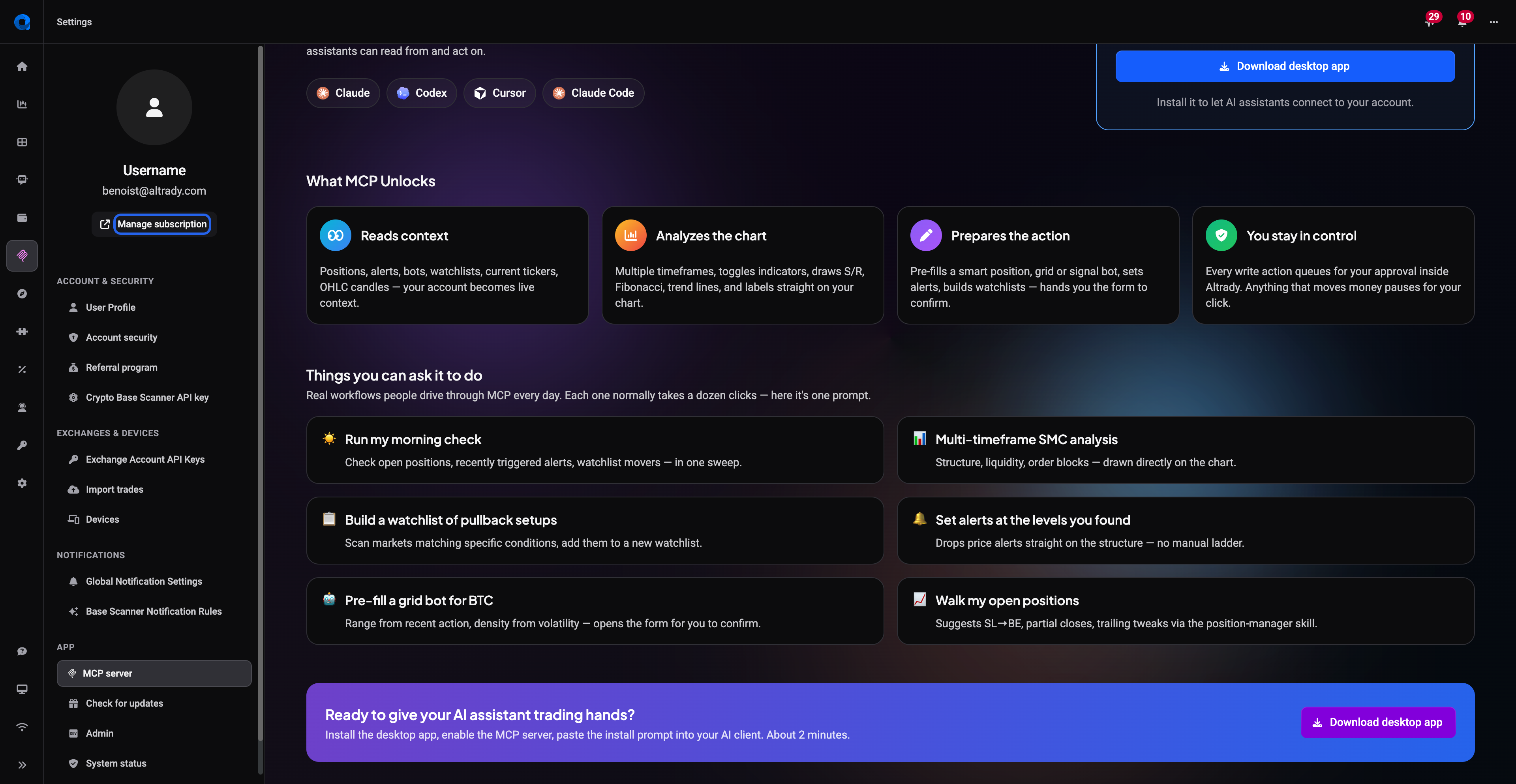
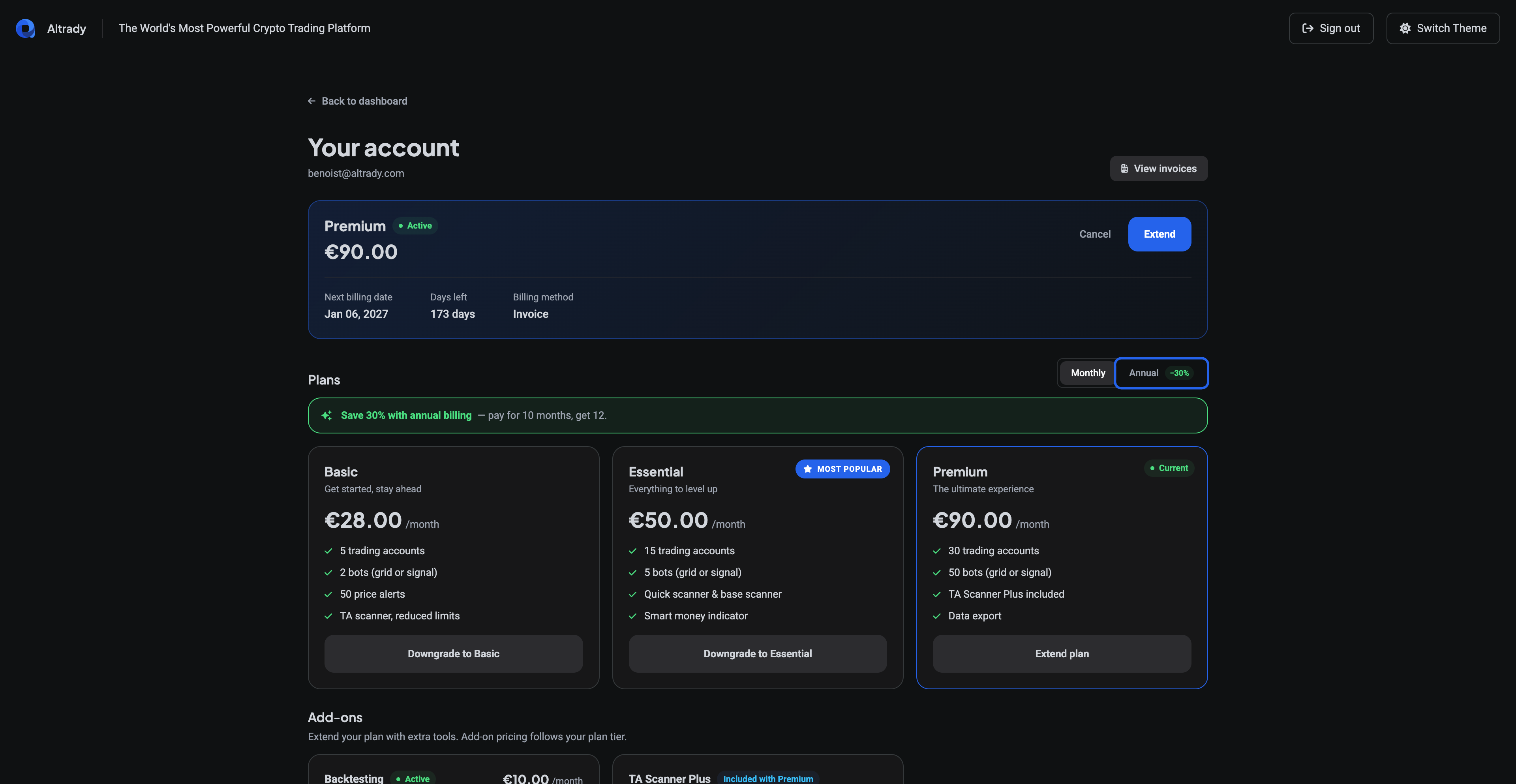
You can manage everything yourself under Settings > Manage Subscription:
- Open Settings from the left side menu.
- Click Manage Subscription.
- Pick your new plan, or switch between monthly and annual billing.
 🔍 Click the image to see a larger version
 🔍 Click the image to see a larger version
A few things to know:
🔍 Click the image to see a larger version
A few things to know:
- Upgrades can be done at any time. The new plan starts immediately, and any unused amount from your current plan is credited towards the new one.
- Downgrades can only be done within 30 days of your expiry date.
- Refunds can be issued within one month of the first payment of a subscription.
What happens if your subscription lapses?
If your paid subscription ends and you do not renew, your account is not deleted, but live trading stops working:
- Your exchange API keys are disabled, so Altrady can no longer manage or update your orders, positions, or balances.
- Orders already placed on an exchange stay on the exchange and you can edit or cancel them there directly.
- Smart order features that Altrady was managing (take profit, stop loss, trailing stops, entry expiries, auto-close) will not be actioned.
- Signal bots stop accepting signals, and grid bots stop placing new orders.
- Paper trading accounts are not affected. You can keep practicing on the FREE plan.
If you resubscribe later with the same account, your previous orders, positions, and trades are still there, and your API keys are reactivated (expired keys will need updating). Trades made while your account was inactive are not synced automatically, but you can import your trade history manually.
For payment methods, invoices, and other subscription questions, see Account & Billing.