
Fix "Trading not available" on a new device
If you open a market and the Trading widget shows a message like “Trading on [exchange] not available - This device is not registered for trading yet” with an Activate device button, don’t worry: nothing is broken. This is just a security step.
Why this happens
Altrady encrypts your exchange API keys using a Vault password: five words that live only on your device. Because of this, a device has to be “unlocked” once before it can trade. You’ll see this screen:
- The first time you use Altrady on a new device
- After reinstalling the app
Your five words never leave your device, and Altrady only ever requests read and trade permissions from your exchange; it can never withdraw funds.
How to unlock your device
- Click Activate device.
- Enter your five words, in the correct order.
- Click Unlock.
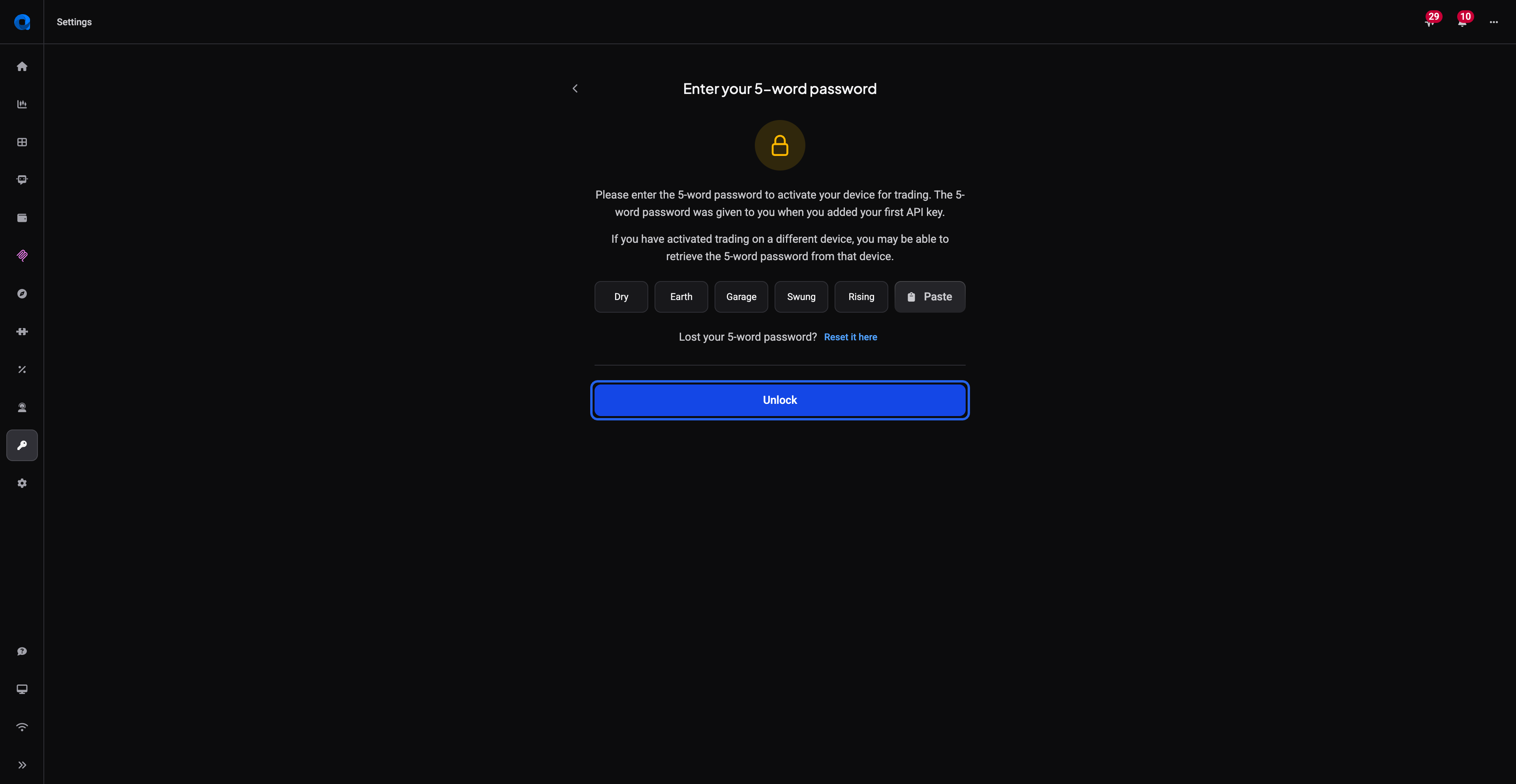 🔍 Click the image to see a larger version
That’s it: once unlocked, this device will trade normally and you won’t see this screen again unless you reinstall.
🔍 Click the image to see a larger version
That’s it: once unlocked, this device will trade normally and you won’t see this screen again unless you reinstall.
“Invalid password”
If the words are entered incorrectly, the boxes turn red and you’ll see Invalid password.
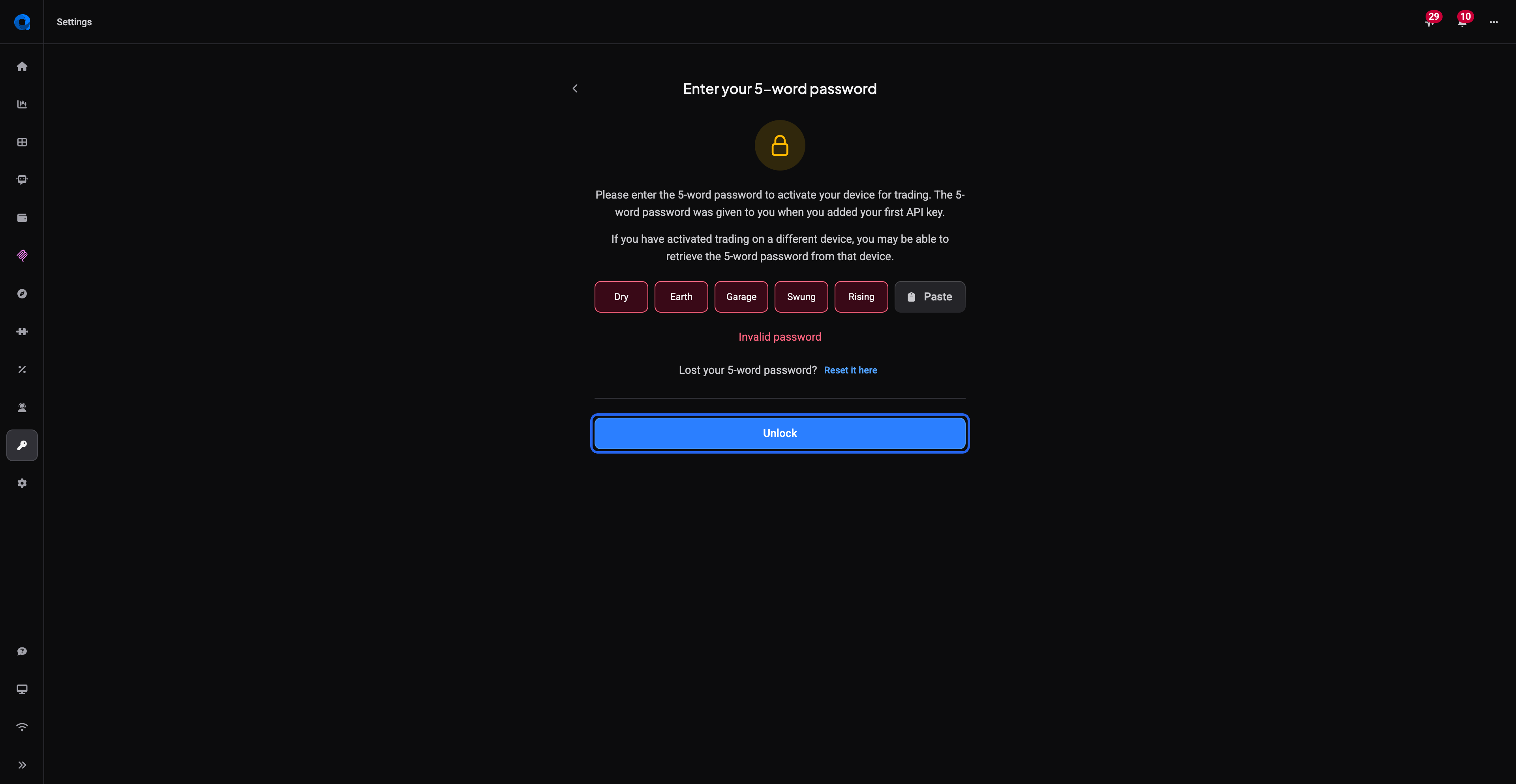 🔍 Click the image to see a larger version
If this happens:
🔍 Click the image to see a larger version
If this happens:
- Double-check the order of the words; they must be entered exactly as you saved them.
- Check for typos or extra spaces.
Lost your five words?
If you can no longer find your five words, use the Reset it here link on the same screen to reset your vault. For security purposes, resetting the vault password requires:
- replacement of API keys on all live accounts: edit the trading account and replace the API key)
- reset of all signal bots on live accounts: open the bot, make a small change (to enable the Save) and save the bot. (If desired, undo and resave the bot.) Grid bots do not need to be reset.
For more on how your API keys are protected, see How Altrady protects your API keys.