
Buying indicators on the Marketplace
The Marketplace is where you find indicators built by verified Altrady partners and add them to your chart. Some are free, some come with a free trial, and some are paid by monthly subscription or a one-time licence. Buying one takes a few minutes, and the indicator runs in your chart like your own scripts. The author keeps the source code private. Only Altrady partners can sell indicators on the Marketplace.
Open the Marketplace
 🔍 Click the image to see a larger version
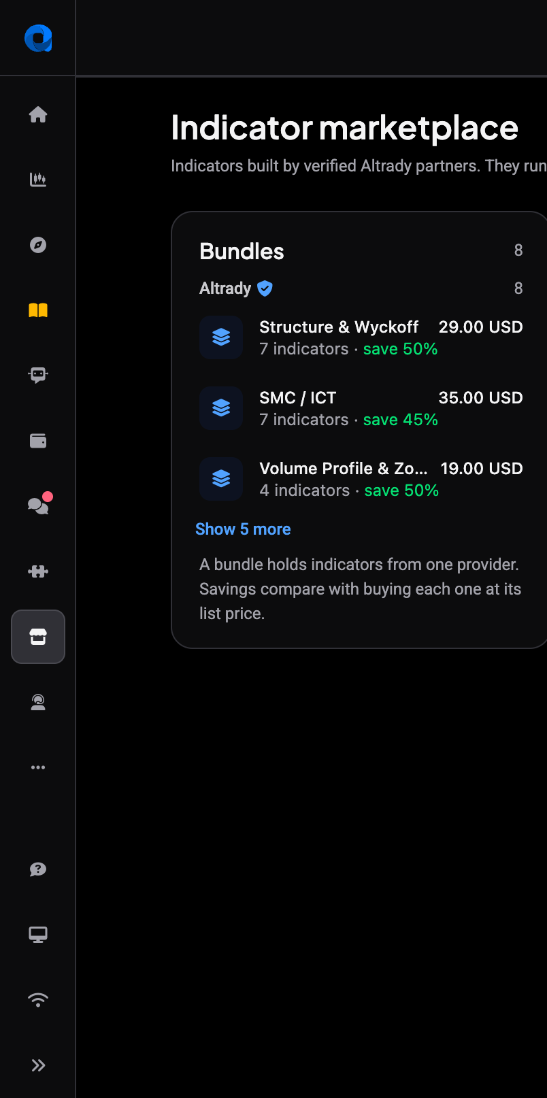
Click Marketplace in the sidebar. You can also open the indicator picker on a chart and click Marketplace at the bottom.
Find an indicator
 🔍 Click the image to see a larger version
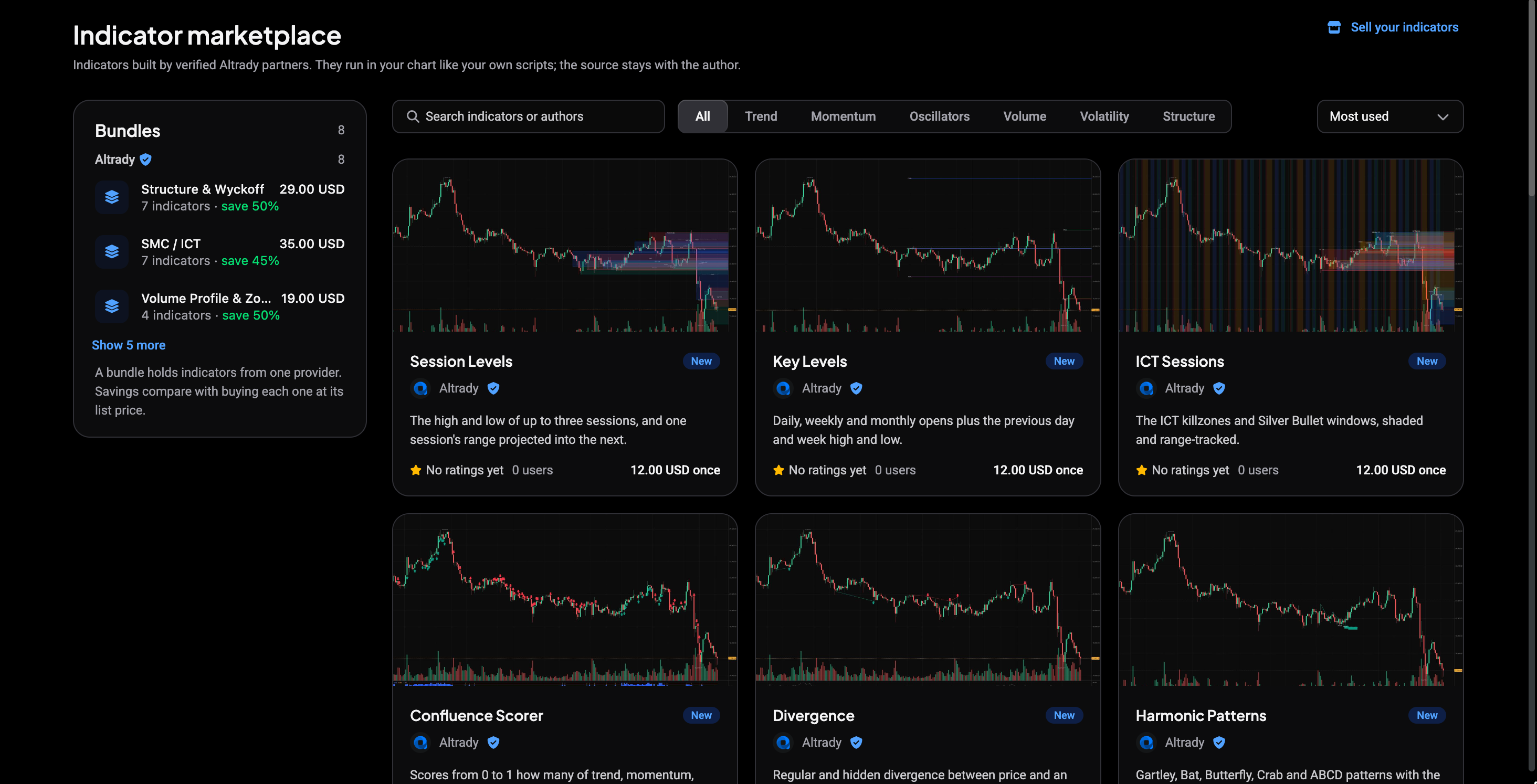
Type a name or author in Search indicators or authors, or narrow the list by category: Trend, Momentum, Oscillators, Volume, Volatility or Structure. Sort by Most used, Top rated, Newest or Price.
The Bundles sidebar lists bundles. A bundle holds several indicators from one provider, and the savings compare with buying each one at its list price. Cards show a rating, the number of users and the price, for example Free, a monthly price or a one-time price.
Check the indicator page
 🔍 Click the image to see a larger version
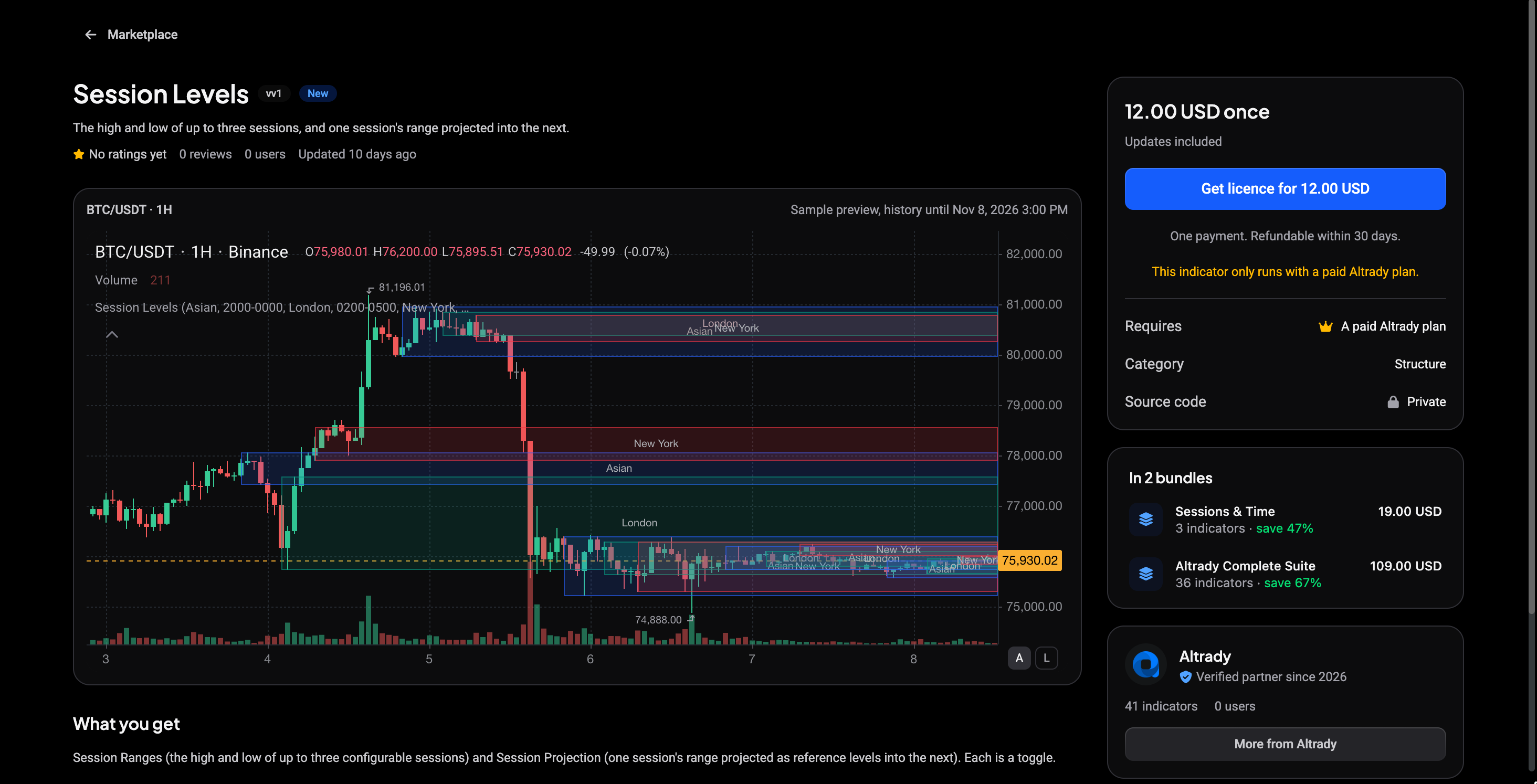
Click a card to open it. Before you buy, you can look at:
- Sample preview: the indicator drawn on a past market, so you see what it looks like.
- What you get, the Changelog, the supported Timeframes and the Category.
- Reviews from people who use it, and more indicators from the same partner.
The Marketplace shows indicators as analysis tools. They do not give trading advice, and past behaviour on a chart does not predict future results.
Get the indicator
The button on the right depends on how the author priced it:
- Add to my indicators for a free indicator. No payment is needed.
- Start free trial when a trial is offered. You see the date of the first charge, and if you cancel before then you are not charged.
- Subscribe for a monthly price. You can cancel any time.
- Get licence for a one-time price. It includes all future updates and is refundable within 30 days.
- Get bundle on a bundle page.
Paid indicators need a paid Altrady plan to run. If you do not have one, Altrady tells you before checkout.
Check out
 🔍 Click the image to see a larger version
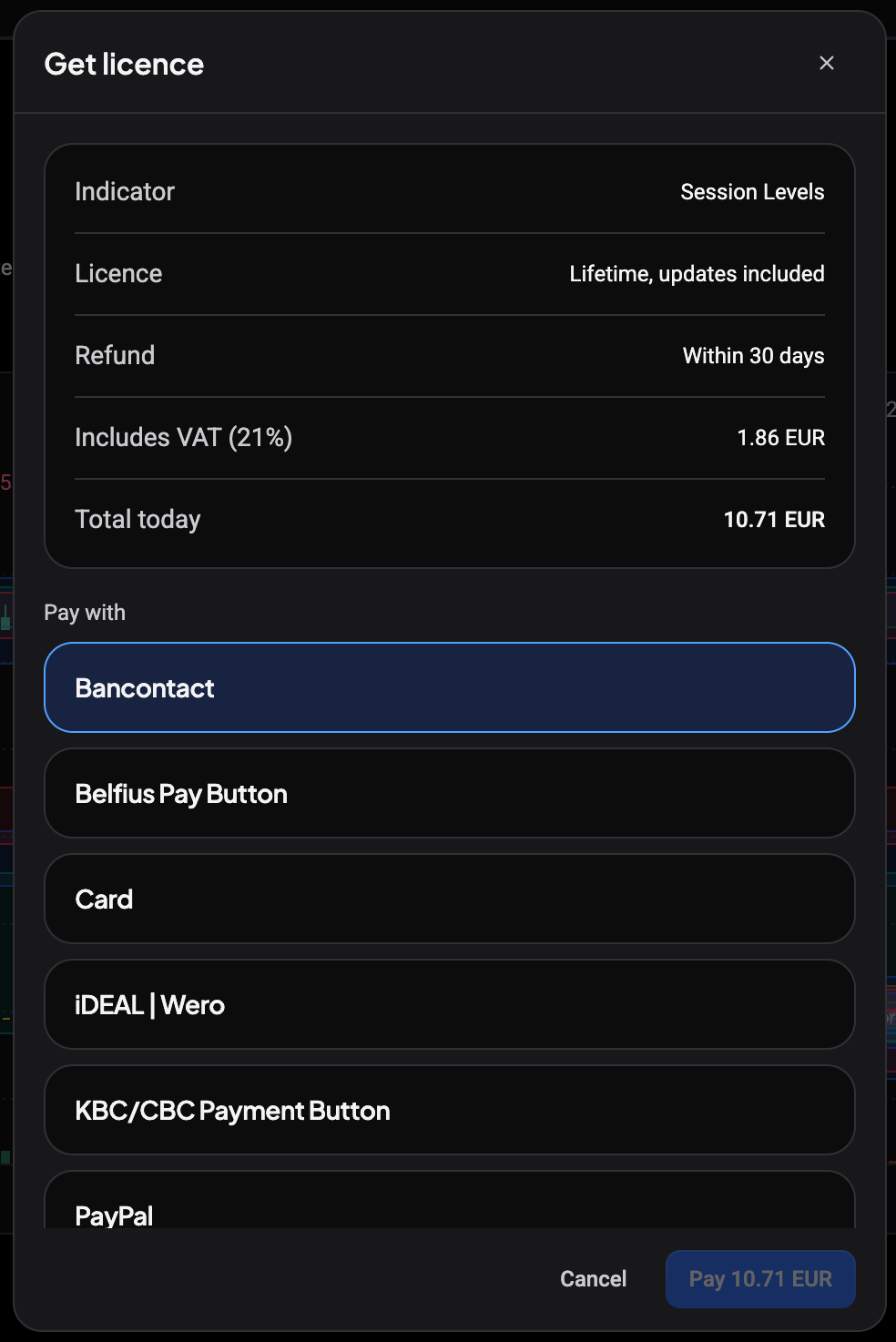
- Review the summary: the indicator, what you pay Today, when it Renews, and VAT.
- Enter a Voucher code if you have one.
- Choose how to Pay with. Monthly payments renew on a card.
- Tick the box to confirm that the indicator is an analysis tool and not trading advice, and that the author built it.
- Click the confirm button, for example Start trial, Subscribe for … / month or Pay ….
- Finish the payment in the window that opens. The screen updates by itself when it is done. If your browser blocked the window, click Open payment page.
If the payment fails or you cancel it, nothing is charged and you can try again.
Add it to your chart
When the payment goes through, the confirmation offers Add to chart, which opens the Trading Terminal with the indicator applied. You can also open the indicator picker on any chart and find it under Purchased, next to your own scripts. To set an alert on it, see Alerts on your scripts.
Manage, renew or cancel
Go to Settings and open Marketplace subscriptions. Monthly subscriptions are billed separately from your Altrady plan. For each one you see the status, the renewal date and View listing. Choose Cancel at period end to cancel: the indicator stays on your charts until the end of the period you paid for. Alerts on it pause when your access ends, and are deleted 7 days later unless you renew. To bring access back, open the indicator and click Renew access.
You can leave a review on an indicator you use from its page.
Still stuck?
Open the support chat in the bottom corner of Altrady and tell us which indicator you are looking at. We will help you from there.